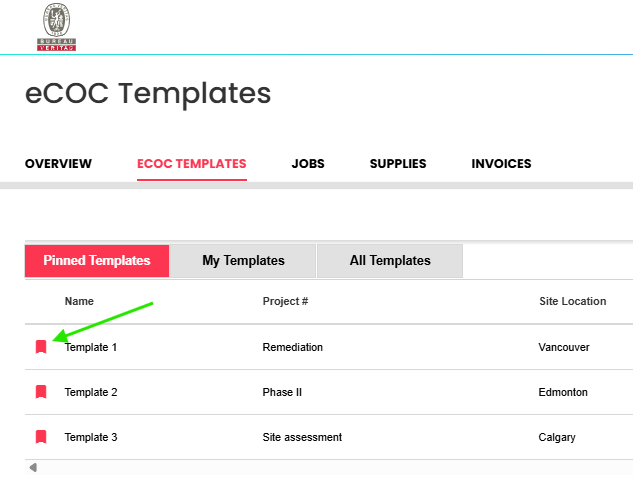
To help keep templates organized and easy to find, we’ve grouped them into three views:
Pinned Templates – Keep your favorite templates close by pinning them. Simply click on the flag beside the name to add them to the list and click again to remove them.
My Templates –Shows you all of the templates you’ve created.
All Templates – If you have access to it, you’ll find it here. All templates created by you or your team will be displayed here, within the confines of your access.
click this flag to pin/unpin your template: