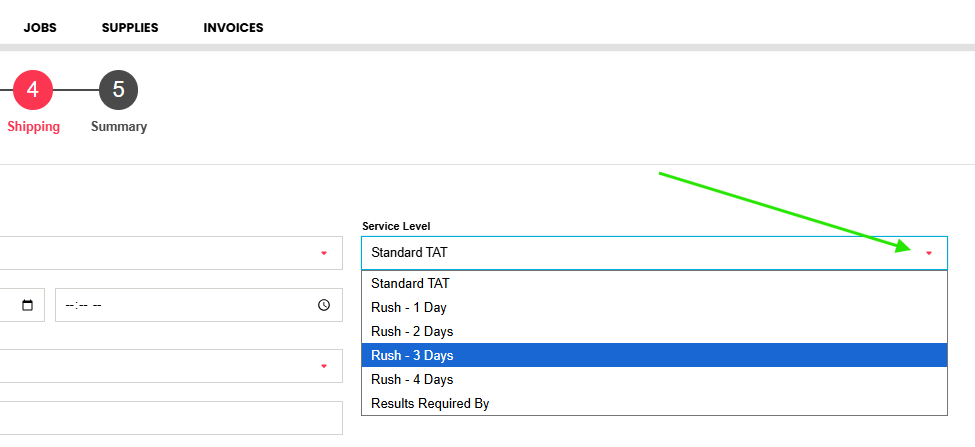
Analytical TAT (turnaround time) for your incoming submission can be selected via the Service Level drop down at STEP 4 of the eCOC submission process.
Enter your shipping details and select the desired service level. By default, Standard TAT is selected. Simply click the drop down to change.
If your submission needs are outside those available or requires special handling due to sample hold times expiring, it is best to contact your Bureau Veritas representative, who can make arrangements to support your submission.
- If the surcharge is the most important consideration, please use the 1 day, 2 day, 3 day, or 4 day options.
- If the reporting date is the most important consideration, please use the Results Required by option and enter a date. Toggle on the 'Rush Job' box.
- If you require your report to be sent over the weekend or for same-day results, please select the nearest business day and contact your Bureau Veritas representative.