The company administrator can change their users access and account information including updating their users passwords. To assign an Admin user to your company, please contact your Bureau Veritas representative.
How to change a users password
- On the top right side of the Customer Portal header click the red drop down arrow and then select Manage Access, a list of all your users will appear on the next page.
- Hover over the desired user and an inline menu will appear showing the Edit User Info icon, click the icon.
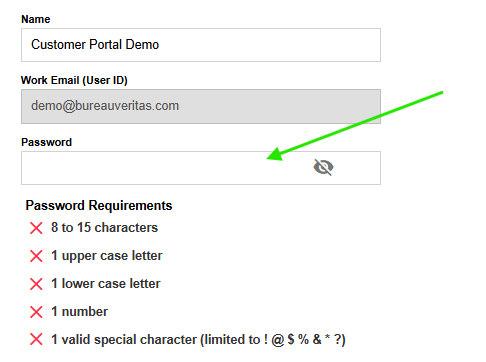
- The User Information screen displays all the general account information that can be edited. Type a new password into the Password field.
- Click Save